Advocate Page
Workflow:
Trustee Selects Advocate: The portal has a directory of advocates with their profiles and areas of expertise. The trustee can browse and select the most suitable advocate for their needs.
Notification and Form Delivery: Once chosen, the system automatically sends a notification to the advocate along with the relevant case information.
Advocate Updates Status: The advocate can access the case details and update their status within the portal. This could involve updating on progress made, next steps, or any deadlines.
Trustee Portal Access: The trustee can log in to their portal and view the case status updates from the advocate. This provides transparency and keeps the trustee informed about the progress of their case.
Status Tracker Integration: with a case management system, allowing for specific updates like upcoming court hearings to be displayed clearly in a status tracker. This helps both the advocate and trustee stay organized and prepared.
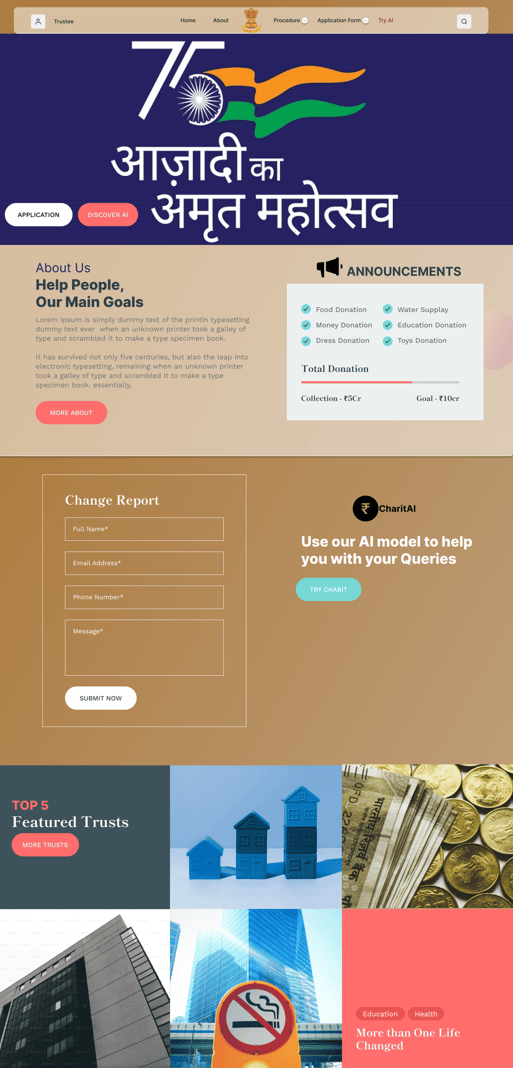
Landing page

Notification panel
Notification, each time a trustee chooses the Advoacte
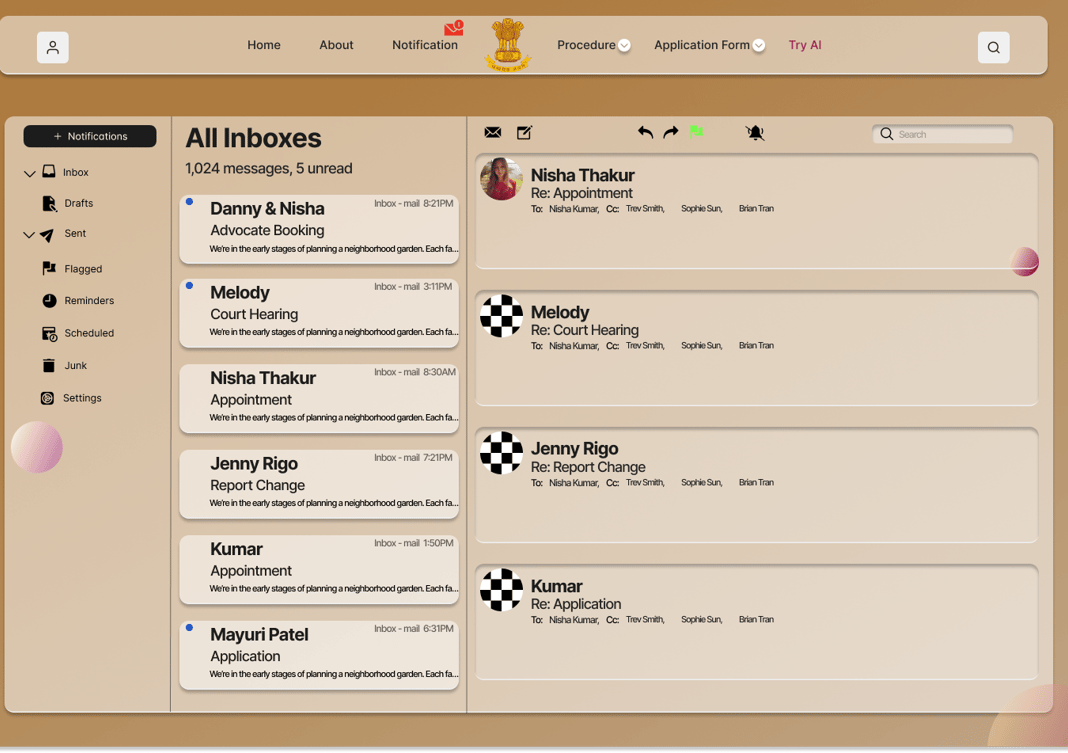
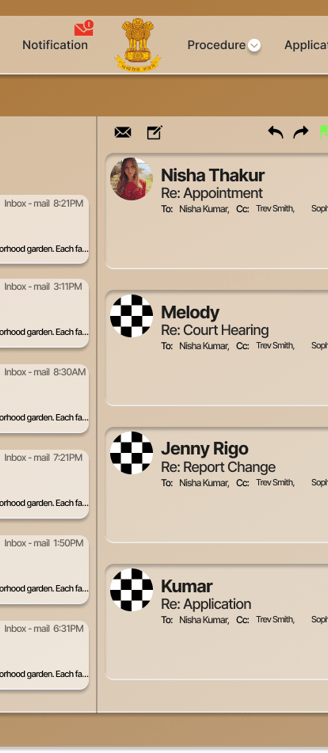
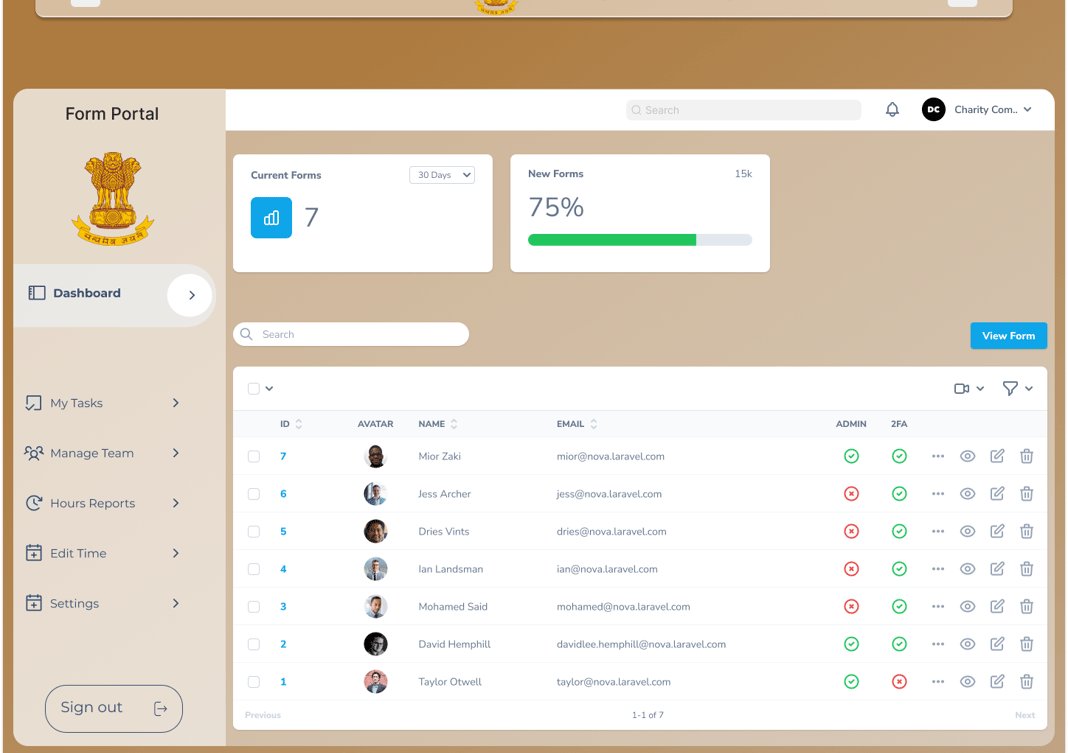
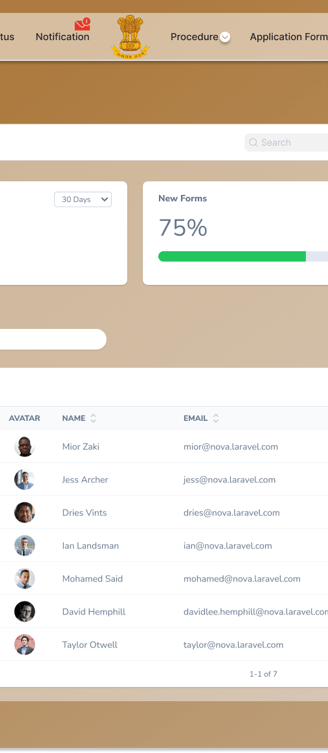
the Advocate has the option to accept and mark the notification
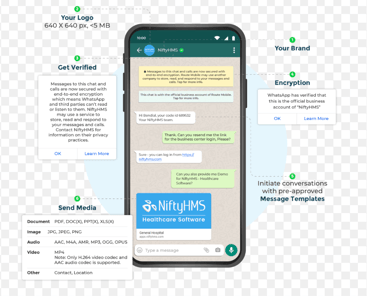
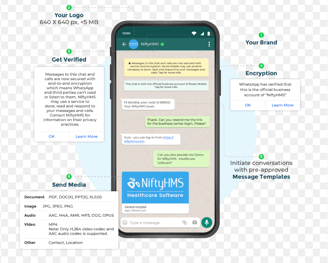
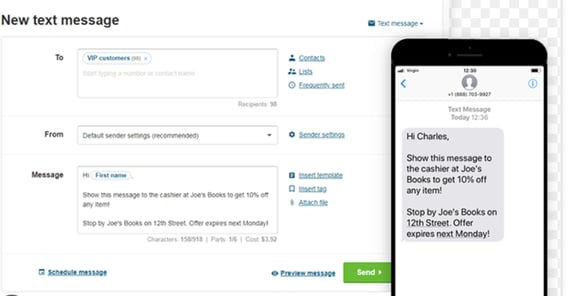
Get Notified On Whatsapp & SMS
Messages and notifications coming in through our portal shall be notified to your registered mobile number and WhatsApp using official WhatsApp API calls and express.js
while SMS shall be sent through Google Firebase
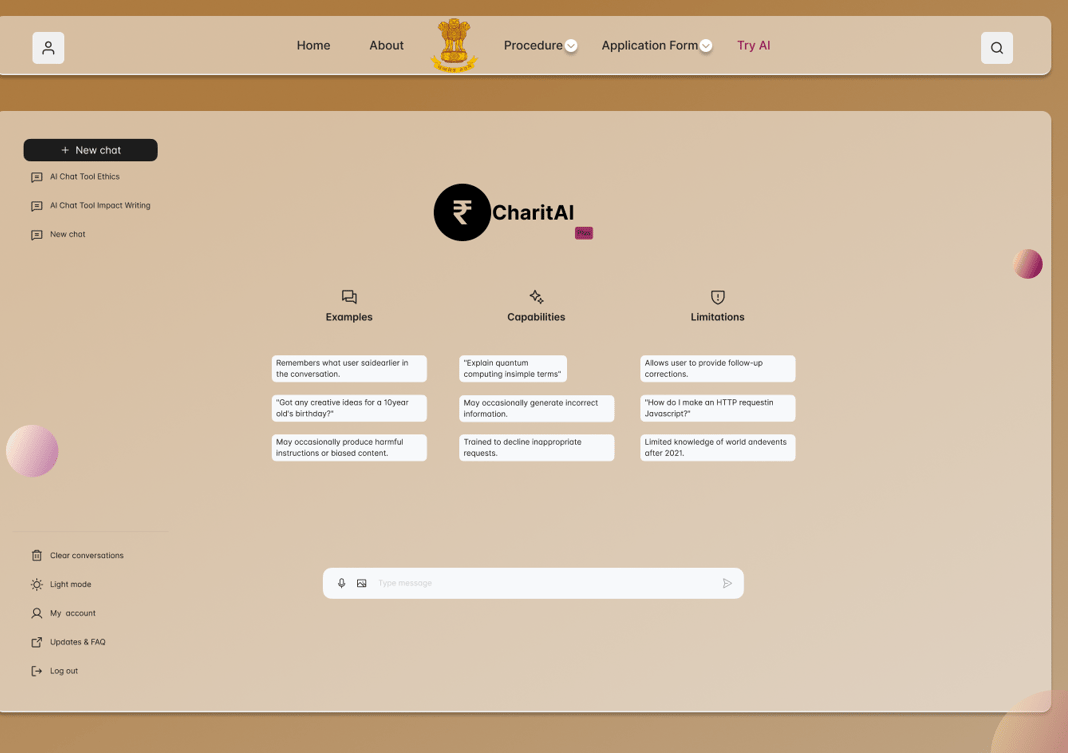
Charit.AI
Our AI based GPT system can help the Advocates to find the best solution, ready through best a form and give our summary, read a 100 pages PDF within a couple of seconds.